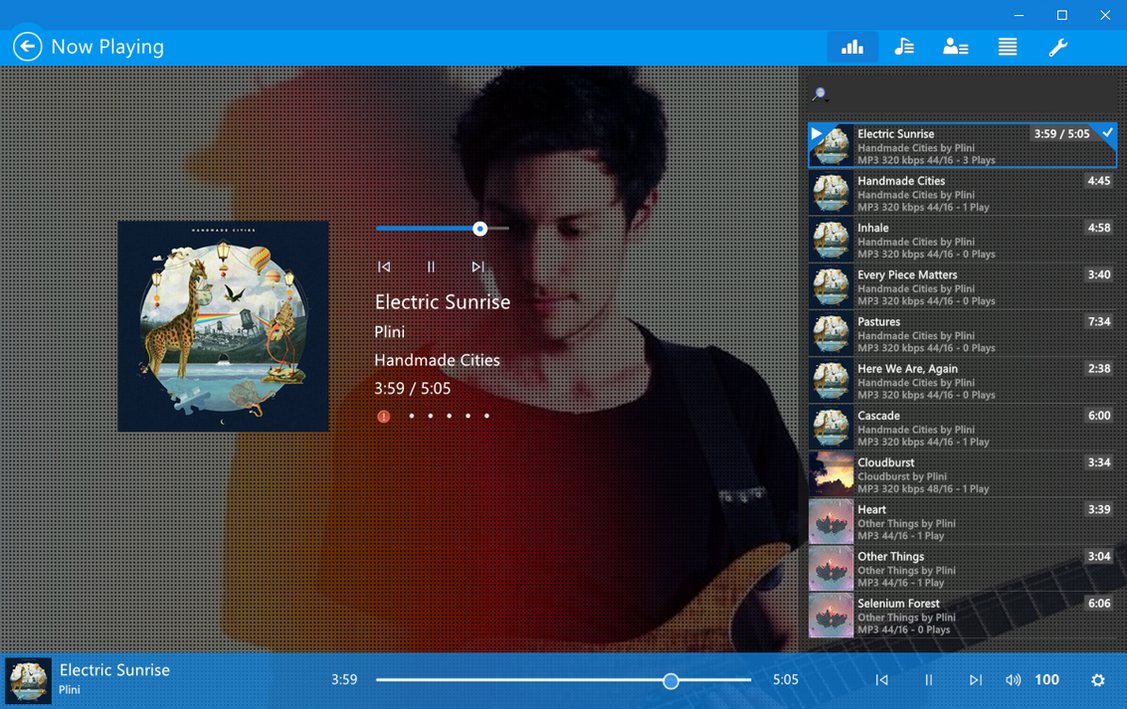
Now changing primary and secondary colors is easy as ABC. Just go to Prefs -> Tools -> Extended Variables -> Change Primary Color and/or Secondary color in RGB value -> restart foobar2000
Show off your color combination in the comment!
Requirements :
1. foobar2000 v1.3.9 or newer
2. Resolution higher than 1200x755 (default window size)
3. Segoe UI font family
Buy from Sellfy ($1.5, You need paypal account): sellfy.com/p/wTzT
Read first :
1. Window frame should look like the preview image, regardless what Windows version and custom VS you're using.
2. Installation and basic setup guide is included in the zip archive.
Feedback is always appreciated =D
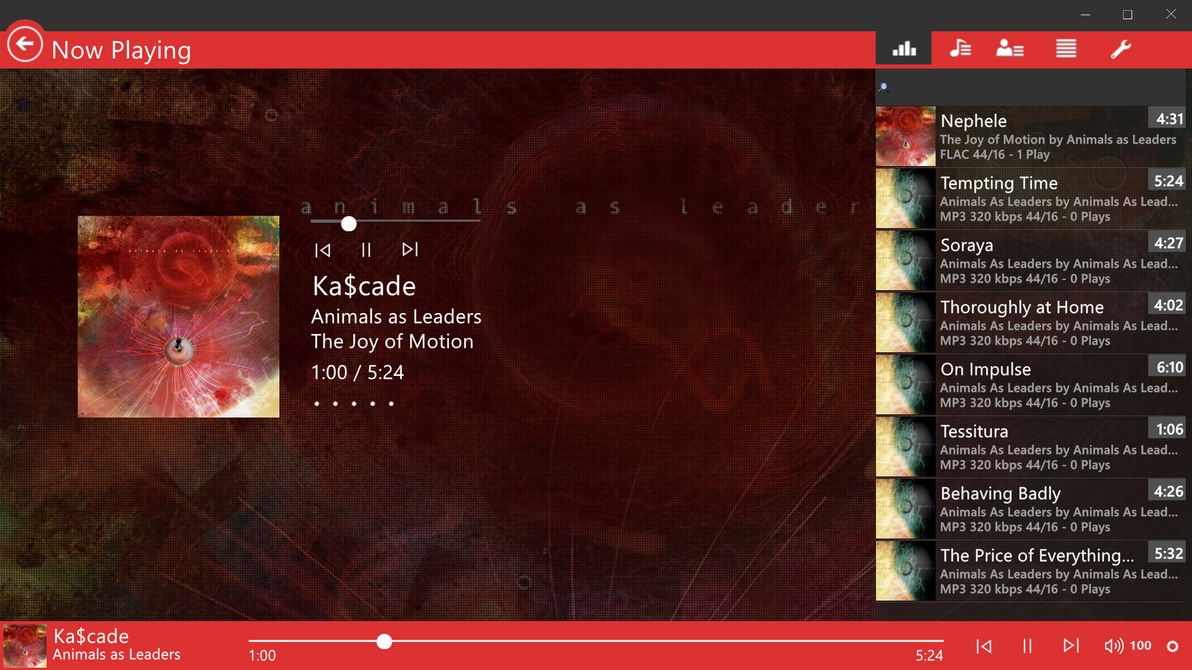
Now changing primary and secondary colors is easy as ABC. Just go to Prefs -> Tools -> Extended Variables -> Change Primary Color and/or Secondary color in RGB value -> restart foobar2000.
Show off your color combination in the comment!
Requirements :
1. foobar2000 v1.3.9 or newer
2. Resolution higher than 1920x1080. 4K monitor is recommended
3. Segoe UI font family
Buy from Sellfy ($3, You need paypal account): sellfy.com/p/cxrQ/
Read first :
1. Window frame should look like the preview image, regardless what Windows version and custom VS you're using.
2. Installation and basic setup guide is included in the zip archive.
Feedback is always appreciated =D